


.png.bf8d1e395243ff9d1fab5ffced5c3a8e.png)
21 Day Rider Reset Challenge

Event created by Ali25
Start the riding year with clarity, confidence and momentum with the 21-Day Rider Reset Challenge. A guided experience designed for riders who want to feel more connected, purposeful and present in their riding.
Over the course of 21 days you'll be supported with daily prompts and focused ideas that help you:
Develop a clearer view of what you want from this riding season
Build more conidence in yourself and your riding choices
Create positive momentum that carries into your everyday schooling
Notice and strengthen your connection with your horse
Feel calmer and more conident in the saddle
Whether you ride every day or a few times a week, the challenge meets you where you are and helps you build headspace, insight and forward motion in your riding.
Starts: January 10th
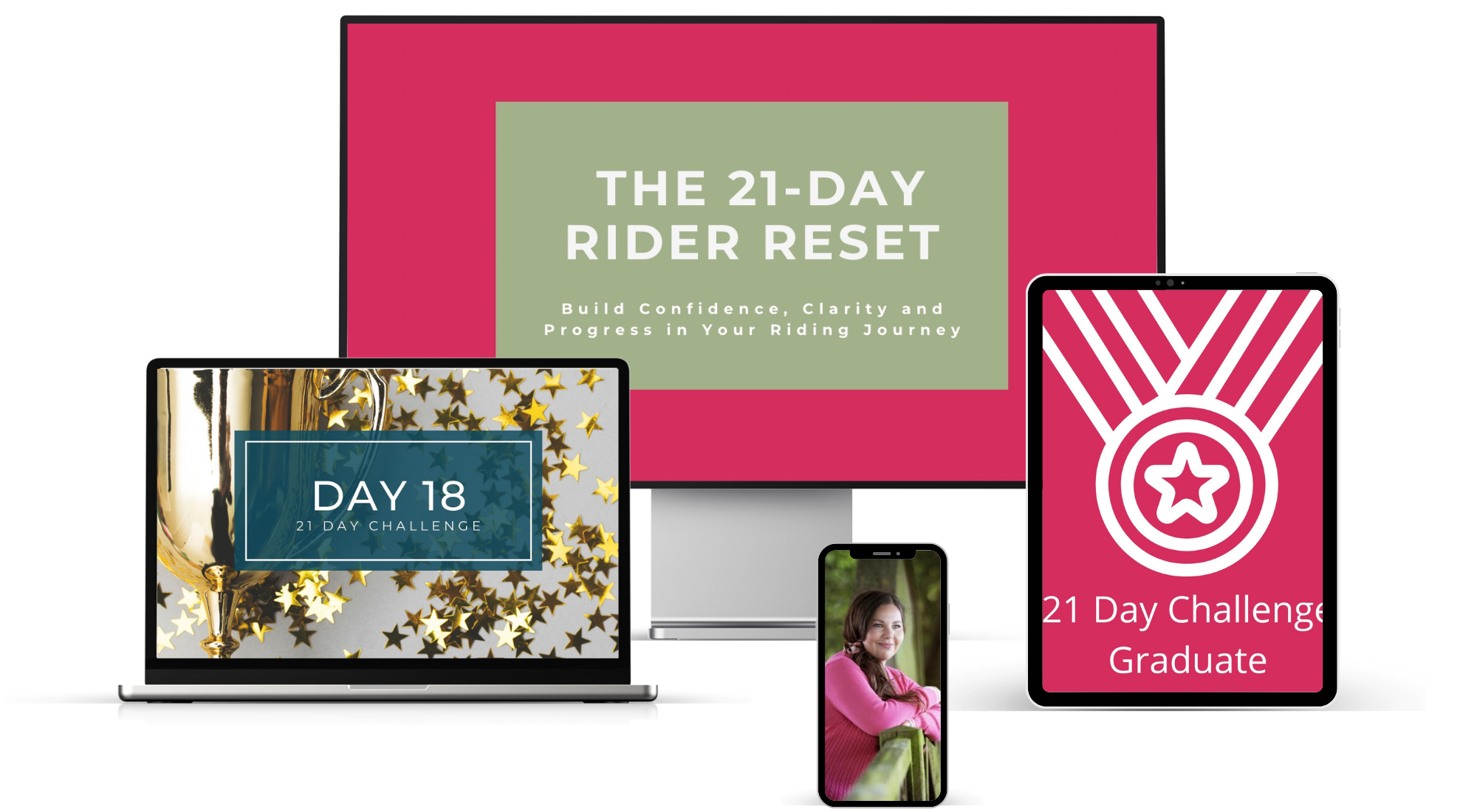
21-Day Rider Reset | Build Clarity, Confidence & Momentum
Plus: To support you in getting started, the 21-Day Rider Reset book will be available FREE on Amazon for one day only (7 January). Use it alongside the challenge for extra reflection and focus.
This is a practical, encouraging and rider-centred way to begin the year with intention not pressure.